Two platforms that understand the power of bulk workflows. Compare their approaches to mockup generation and overall POD design capabilities.
Try MyDesigns FreeWhen your print on demand business reaches a certain scale, creating mockups one at a time becomes a bottleneck that slows down your entire operation. Both MyDesigns and BulkMockup recognize this challenge and offer bulk processing solutions. However, their approaches and overall capabilities differ significantly. MyDesigns is a comprehensive AI design platform that includes bulk mockup generation as one of many features, while BulkMockup is a specialized tool focused exclusively on creating mockups at volume. This comparison examines both platforms to help you determine which approach — or combination — best serves your POD business.
MyDesigns is a full-featured AI design platform built for print on demand sellers. Its capabilities include AI-powered design generation through the Dream AI engine, image editing and refinement tools, background removal, mockup generation, and POD-optimized file export. Bulk processing is available on paid plans, allowing you to generate, refine, and mock up multiple designs simultaneously. MyDesigns is designed to handle the entire creative workflow from concept to print-ready file.
BulkMockup is a specialized tool that does one thing and focuses on doing it efficiently: generating product mockups in bulk. You upload your designs, select mockup templates, and the platform automatically places each design onto the chosen mockup templates. The emphasis is on speed and volume — processing hundreds or even thousands of mockups with minimal manual intervention. BulkMockup is designed for sellers who already have their designs and need mockups produced at scale.
This is where the comparison reveals a fundamental difference in scope. MyDesigns' Dream AI engine generates original artwork from text prompts, creating unique designs optimized for merchandise printing. You can describe any concept, style, or composition, and the AI produces print-ready artwork in seconds. The AI understands POD-specific requirements like clean backgrounds, print-friendly color palettes, and compositions suited for different product types.
MyDesigns also provides comprehensive editing tools for refining AI-generated designs. Background removal, text overlay, image adjustments, and style modifications are all available within the platform. The combination of AI generation and editing tools means you can go from initial concept to finalized design entirely within MyDesigns.
BulkMockup does not create designs. It is purely a mockup placement tool — you must bring your own designs. If you need a design tool, you will need to use a separate platform like Canva, Adobe Express, Midjourney, or MyDesigns to create your artwork before uploading it to BulkMockup. This means managing a multi-tool workflow, which adds complexity and potentially additional subscription costs.
For sellers who rely on AI-generated artwork, MyDesigns provides a significant advantage by combining design creation and mockup generation in one platform. The time savings from not having to switch between platforms — and not having to manage multiple subscriptions — adds up quickly at scale.
Bulk mockup generation is the area where both platforms compete most directly. Let us examine how each handles high-volume mockup production.
MyDesigns bulk processing: On paid plans, MyDesigns allows you to generate multiple mockups simultaneously. You can select multiple designs and multiple mockup templates, and the platform processes them in batch. The bulk processing is integrated with the AI generation pipeline, so you can generate AI designs and create mockups for all of them in a single workflow. The mockup quality is consistently high, with realistic product presentations that are suitable for store listings and marketing materials.
BulkMockup processing: BulkMockup is designed exclusively for this purpose, and its specialization shows. You upload a batch of designs (or connect your design folder), choose your mockup templates, and the platform processes everything automatically. BulkMockup supports large batches efficiently and offers a wider variety of mockup templates specifically designed for bulk operations. The platform also provides options for different product categories, colors, and styles within the same batch.
In terms of pure mockup volume capacity, BulkMockup has a slight edge because bulk processing is its sole focus. However, MyDesigns' bulk capabilities are more than sufficient for most sellers, and the advantage of having bulk mockups integrated with your design workflow is significant.
MyDesigns produces high-quality mockups that are optimized for POD store listings. The mockups feature clean, professional presentations with consistent styling across your product catalog. This consistency is valuable for building a cohesive brand aesthetic on platforms like Etsy, Shopify, and Amazon. The mockup library covers all major POD product categories including apparel, drinkware, accessories, and home goods.
BulkMockup offers a focused mockup template library that covers popular POD products. The templates are designed for efficient batch processing, with standardized layouts that work well for high-volume catalog production. While the overall variety may be smaller than comprehensive mockup platforms like Placeit, the templates are specifically optimized for the bulk workflow, ensuring consistent quality across large batches.
Both platforms produce mockups that are suitable for professional store listings. The choice between them comes down to whether you prefer MyDesigns' integrated design-to-mockup workflow or BulkMockup's specialized bulk processing approach.
| Feature | MyDesigns | BulkMockup |
|---|---|---|
| AI Design Generation | Dream AI — Original Artwork | Not Available |
| Design Editing Tools | Full Editing Suite | None — Design Upload Only |
| Background Removal | AI-Powered Built-in | Not Available |
| Bulk Mockup Generation | Integrated Batch Processing | Specialized Bulk Processing |
| Mockup Template Variety | POD-Focused Selection | Bulk-Optimized Templates |
| Design-to-Mockup Pipeline | Seamless Integration | Requires External Design Tool |
| Bulk Export | Batch Download, POD Formats | Batch Download |
| POD-Optimized Export | Print Provider Ready | Standard Image Files |
| Video Mockups | Not Available | Limited |
| Automation Features | AI Pipeline Automation | Batch Upload Processing |
| Commercial Rights | Full Commercial License | Commercial License |
| All-in-One Workflow | Complete POD Design Platform | Mockup-Only Specialization |
| Pricing Model | Free + Subscription Plans | Subscription Plans |
MyDesigns offers a free plan for testing and paid plans that scale based on AI credit allocation and advanced features. The subscription covers AI design generation, editing tools, mockup creation, bulk processing, and POD-optimized export. Everything you need for the creative side of your POD business is included in one subscription.
BulkMockup offers subscription plans that provide access to bulk mockup generation features. The pricing is straightforward — you pay for the ability to process mockups in bulk. However, since BulkMockup does not create designs, you also need to pay for a separate design tool to create the artwork that you will mock up. This means your total cost includes both BulkMockup and whatever design platform you choose.
A typical cost comparison for a POD seller might look like this: MyDesigns subscription (covers design + mockups + export) versus BulkMockup subscription + Canva Pro or another design tool subscription. The all-in-one approach of MyDesigns is typically more cost-effective because you are not paying for multiple platform subscriptions to achieve the same workflow.
The value proposition is clear: MyDesigns provides more features per dollar because it consolidates multiple capabilities into one subscription. BulkMockup provides value only if you already have a design tool you are happy with and specifically need high-volume mockup processing that exceeds what your current tools offer.
Let us walk through the complete workflow on each platform to illustrate the practical differences.
MyDesigns workflow: Open MyDesigns and enter a text prompt describing your desired design. The Dream AI engine generates multiple design options. Select your preferred design, refine it with built-in editing tools, remove the background automatically, and generate product mockups — all in one platform. Repeat the process for multiple designs using bulk processing. Export all mockups in formats ready for your print provider and store listings. Total platforms needed: one.
BulkMockup workflow: Open your design tool (Canva, Photoshop, or another platform) to create your designs. Export each design from your design tool. Open BulkMockup and upload all your exported designs. Select mockup templates and initiate the bulk processing. Download the generated mockups. You may need to open a separate tool for POD-optimized export if BulkMockup does not support your print provider's preferred format. Total platforms needed: two to three.
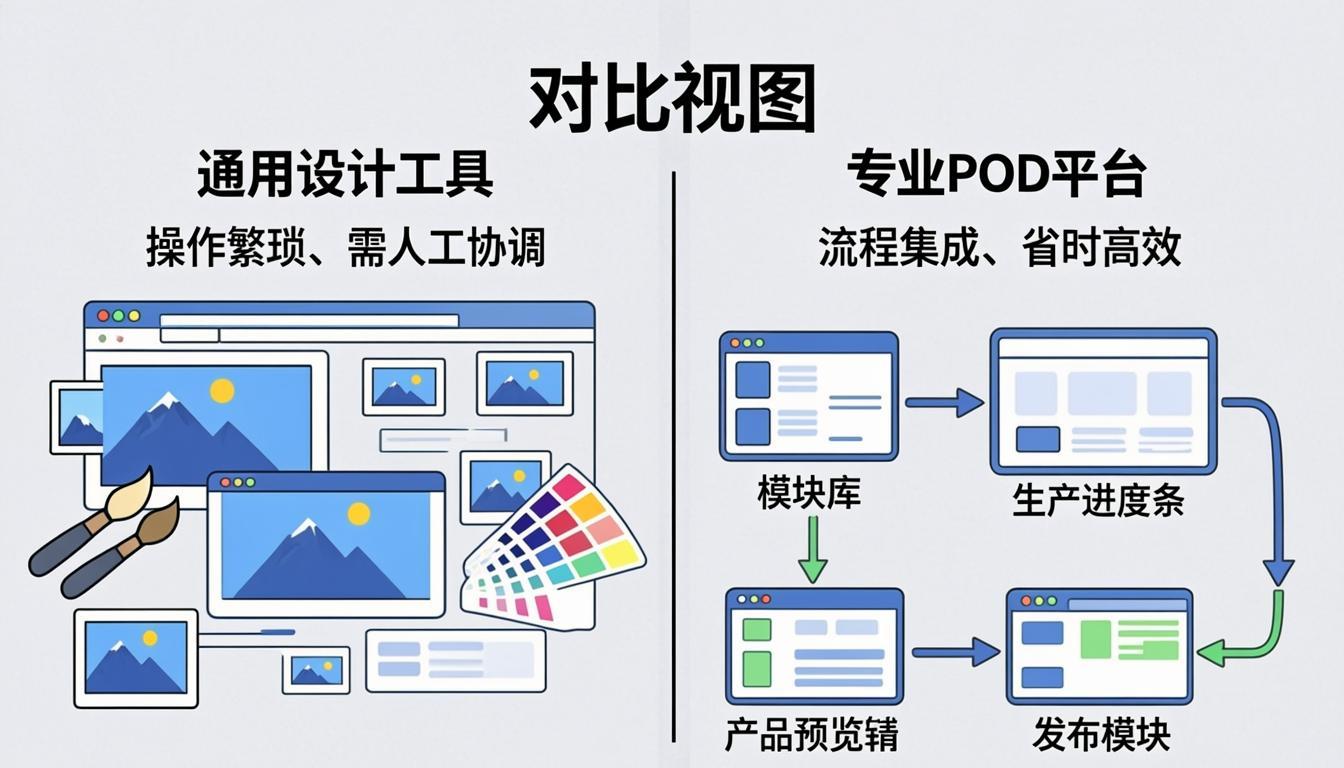
The MyDesigns workflow is more streamlined because every step happens in one place. The BulkMockup workflow requires context switching between platforms, which increases the time per design, introduces potential file compatibility issues, and makes the process more error-prone. For sellers processing dozens or hundreds of designs per week, this workflow efficiency difference has a meaningful impact on productivity and output.
As your POD business grows, the ability to scale your design production becomes increasingly important. MyDesigns scales well because the entire pipeline — from AI generation to mockup to export — can be processed in bulk. The AI generates unique designs on demand, so you are never limited by template availability or design skill. The bulk processing tools allow you to increase production without proportionally increasing your time investment.
BulkMockup scales well for mockup volume specifically. If you have a large library of existing designs and need hundreds of mockups generated quickly, BulkMockup's specialized batch processing handles this efficiently. However, scaling your design creation still requires scaling your investment in whatever design tool you use alongside BulkMockup.
The scalability advantage goes to MyDesigns because it scales both design creation and mockup generation simultaneously. As your business grows, you can increase your AI credit allocation and production volume without needing to invest in additional platforms or fundamentally change your workflow.
Choose MyDesigns if: You want an all-in-one platform that handles AI design creation, bulk mockup generation, and POD-optimized export. MyDesigns provides a more complete, efficient, and cost-effective solution for the majority of POD sellers. The integrated workflow saves time, reduces subscription costs, and scales with your business.
Choose BulkMockup if: You already have a design tool you love and specifically need a dedicated bulk mockup processing solution. BulkMockup is a solid specialized tool for sellers whose bottleneck is exclusively mockup creation, not design creation.
Use both only if: Your mockup volume demands exceed MyDesigns' batch processing capacity and you need specialized high-volume mockup generation as a supplement to your primary design workflow.
MyDesigns offers bulk mockup generation as part of a comprehensive AI design platform that also creates original artwork, provides editing tools, and exports in POD-optimized formats. BulkMockup specializes exclusively in bulk mockup placement with a focused template library. MyDesigns is better overall because it handles the entire workflow including design creation. BulkMockup is better only if you need mockup-specific features that MyDesigns does not offer.
Yes, MyDesigns supports batch processing that allows you to generate multiple mockups simultaneously. On paid plans, you can select multiple designs and mockup templates for batch processing, significantly speeding up your production pipeline. While BulkMockup may offer more specialized bulk options, MyDesigns' bulk capabilities are more than sufficient for most POD sellers and are integrated with the design creation workflow.
No, BulkMockup does not include any AI-powered design generation tools. It is exclusively a mockup placement platform — you upload your existing designs and BulkMockup places them on mockup templates in bulk. To create designs for use with BulkMockup, you need a separate design tool such as MyDesigns, Canva, or Adobe Express.
MyDesigns is typically more cost-effective because it combines AI design generation, bulk mockup creation, editing tools, and POD-optimized export in a single subscription. With BulkMockup, you need to pay for a separate design tool subscription as well, making the total cost of a multi-platform workflow higher than MyDesigns' all-in-one approach.
For most POD sellers, MyDesigns alone covers both AI design creation and bulk mockup generation needs. Start with MyDesigns and only consider adding BulkMockup if your mockup volume requirements specifically exceed what MyDesigns' batch processing can handle. The all-in-one approach of MyDesigns simplifies your workflow, reduces costs, and eliminates the friction of managing multiple platforms.