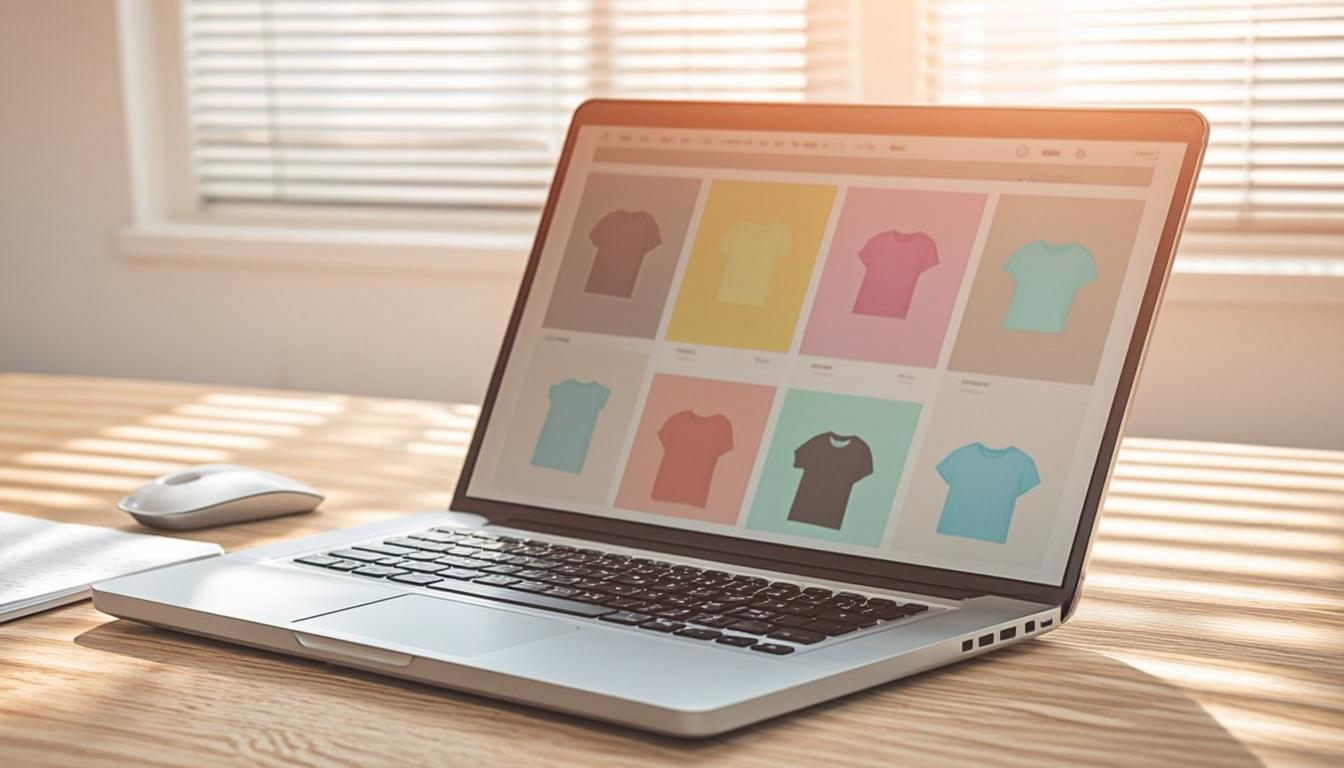
Stop creating mockups one by one. MyDesigns' Bulk Mockup Generator automates the entire process, turning your design catalog into professional product photos in minutes, not days.
Try Bulk Mockups FreeThe Bulk Mockup Generator is one of the most powerful time-saving features in the MyDesigns platform, designed to solve one of the biggest bottlenecks in print-on-demand workflows: creating product mockups. For every design you want to sell, you typically need multiple mockups showing the design on different products, in different colors, and from different angles. When you are managing a catalog of hundreds or thousands of designs, creating these mockups manually becomes an enormous and unsustainable time commitment.
MyDesigns' Bulk Mockup Generator eliminates this bottleneck by allowing you to automatically apply your designs to hundreds of product mockup templates simultaneously. Select your designs, choose your target products and colors, and let the system do the rest. Within minutes, you will have a complete library of professional, photorealistic mockups ready to use in your product listings on Etsy, Shopify, Amazon, or any other sales channel.
The process is designed to be as simple and efficient as possible. You start by selecting the designs you want to mock up — you can select individual designs, entire collections, or your complete catalog. Next, you choose the mockup templates you want to use. MyDesigns offers an extensive library of mockup templates covering every major POD product category, with multiple angles, styles, and product color options for each.
Once you have selected your designs and templates, the Bulk Mockup Generator takes over. The system automatically maps each design to the appropriate area on each selected mockup template, adjusting for perspective, lighting, and fabric texture to create a natural, photorealistic appearance. The entire batch is processed on MyDesigns' high-performance servers, so your own computer does not need to handle any of the heavy rendering work.
The output is a complete set of high-resolution mockup images, organized by design and product type, ready for immediate use in your product listings. You can download them individually or as bulk zip files, or — even better — send them directly to your connected marketplaces along with your product listings using MyDesigns' multi-platform publishing tools.
The MyDesigns mockup template library is one of the most comprehensive in the POD industry, covering every product type offered by major fulfillment providers. The library is continuously expanded with new templates added regularly to match new product offerings from partners like Printful, Printify, Gelato, and others.
T-shirts, hoodies, tank tops, long-sleeve shirts, sweatshirts, raglans, v-necks, and youth sizes. Multiple angles including front, back, side, and flat lay. Available in dozens of product colors including classic black, white, navy, heather gray, and seasonal shades. Lifestyle mockups show models wearing the products in natural settings.
Coffee mugs, travel tumblers, water bottles, beer steins, and wine glasses. Templates show products from multiple angles with realistic ceramic and glass textures. Seasonal variations include holiday-themed mockups for Christmas mugs, Halloween cups, and other seasonal drinkware.
Posters, canvas prints, framed art, throw pillows, blankets, tapestries, and rugs. Lifestyle mockups show products in beautifully decorated interior settings, helping buyers visualize how the product will look in their own homes. Multiple frame styles and mat options for art prints.
Phone cases for iPhone and Samsung devices, tote bags, backpacks, laptop sleeves, hats, beanies, and stickers. Each accessory type includes templates for multiple device models and product variations, ensuring you can show your designs on exactly the products your customers want to buy.
Notebooks, journals, greeting cards, postcards, stickers sheets, and planners. Flat lay and lifestyle mockups show these products in professional, aesthetically pleasing arrangements that are perfect for social media marketing in addition to product listings.
Upload your own mockup photographs and create custom templates that match your brand aesthetic. This feature is perfect for sellers who have invested in their own product photography and want to maintain a consistent visual style across all their listings.
To understand the true value of the Bulk Mockup Generator, consider the alternative. Creating a single product mockup manually using Photoshop or a similar tool typically takes between five and fifteen minutes, depending on the complexity of the mockup and the skill level of the designer. If you want to show each design on five different products with two color variations each, that is ten mockups per design — roughly one to two hours of work.
Now scale this to a typical POD catalog of five hundred designs. Creating ten mockups per design manually would require five hundred to one thousand hours of work — the equivalent of three to six months of full-time effort. With the MyDesigns Bulk Mockup Generator, that same task is completed in a single session lasting under an hour. The time savings are not marginal; they are transformative for your business productivity and growth potential.
Beyond the direct time savings, bulk mockup generation enables business strategies that would be impractical with manual workflows. For example, you can test new designs across multiple product types simultaneously to see which products generate the most sales. You can rapidly refresh your entire catalog's mockup style when you want to update your shop's visual presentation. And you can expand into new product categories without the daunting prospect of creating hundreds of new mockups by hand.
The quality of your product mockups directly impacts your conversion rates and sales performance. Low-quality, obviously fake mockups undermine buyer confidence and can drive potential customers away from your listings. MyDesigns' mockup templates are created by professional photographers and 3D artists using high-end equipment and rendering techniques, ensuring that every mockup looks authentic and professional.
The mockup engine accurately simulates the physical properties of each product type. Fabric textures on apparel mockups show realistic weave patterns and subtle color variations. Ceramic textures on mug mockups include the characteristic slight sheen and surface variation of real glazed ceramics. The lighting in each mockup is carefully calibrated to create natural-looking highlights and shadows that give the product depth and dimensionality.
Design placement is equally important for mockup realism. The Bulk Mockup Generator intelligently maps your design to the product surface, accounting for the product's shape, perspective, and any natural draping or wrapping that occurs in real-world conditions. The result is a mockup that looks exactly like a photograph of the actual printed product, giving buyers complete confidence in what they are purchasing.
Successful POD sellers understand that showing a single mockup per product is rarely enough to maximize conversions. Buyers want to see the design from multiple angles, on multiple product colors, and in lifestyle contexts that help them envision owning and using the product. The Bulk Mockup Generator makes it easy to create all of these variations without multiplying your workload.
For each design, you can generate mockups in multiple product colors (black, white, navy, heather gray, and more), multiple angles (front, back, side, detail), and multiple contexts (studio shot, lifestyle scene, flat lay). MyDesigns also supports creating mockup sets — curated collections of complementary mockups that present a cohesive, professional visual story in your product listings. These sets are particularly effective on Etsy, where the first image needs to grab attention and the additional images provide the detail and context that convert browsers into buyers.
The Bulk Mockup Generator is not a standalone tool — it is fully integrated into the MyDesigns publishing workflow. Once your mockups are generated, you can send them directly to your connected marketplaces as part of your product listings. On Etsy, the mockups are automatically uploaded as listing photos in the correct order. On Shopify, they are added to your product gallery. On other platforms, the files are organized and ready for quick manual upload.
This integration eliminates the tedious process of downloading mockups from a mockup tool, organizing them on your computer, and then uploading them individually to each marketplace. With MyDesigns, the entire pipeline from design to published listing — including mockup generation — is handled within a single platform. This streamlined workflow is one of the key reasons why MyDesigns users report significantly higher productivity compared to sellers who assemble their own toolchains from multiple disconnected services.
To maximize the impact of your bulk-generated mockups, follow these best practices from top-performing MyDesigns users. First, always include at least one lifestyle mockup in every listing — these contextual images significantly increase buyer engagement and conversion rates. Second, vary your product colors strategically to show the design works well on both light and dark backgrounds. Third, use the primary mockup (the one that appears first in your listing) to show the design on your best-selling product type and color.
Fourth, maintain visual consistency across your entire shop by using the same mockup style for all your listings. MyDesigns makes this easy by allowing you to save and reuse mockup template selections. Fifth, regenerate your mockups periodically to keep your listings looking fresh — this is especially effective for seasonal refreshes and can give older listings a traffic boost from the renewed visual presentation.
There is no hard limit on the number of mockups you can generate in a single batch. MyDesigns users regularly generate hundreds or even thousands of mockups in a single session. The processing happens on MyDesigns' cloud servers, so the speed depends on the complexity of the mockups and the current server load, but most batches complete within minutes.
Mockups are generated at high resolution suitable for both web listings and print use, typically 3000×4000 pixels or larger depending on the template. This resolution ensures your mockups look sharp and professional on all marketplaces and can be used for social media marketing without quality loss.
Yes, MyDesigns supports custom mockup templates. You can upload your own product photographs and designate the design placement area. The system will then apply your designs to your custom templates just as it does with the built-in template library. This is ideal for sellers who have invested in brand-specific product photography.
Absolutely. MyDesigns' mockups are created using professional photography and advanced 3D rendering techniques. The results are photorealistic product images that are virtually indistinguishable from actual product photographs. Many MyDesigns users report that their mockups receive compliments from customers who assume they are real product photos.
Yes. The Bulk Mockup Generator integrates directly with MyDesigns' multi-platform publishing tools. Once your mockups are generated, they can be automatically uploaded as listing images to connected Etsy, Shopify, and other marketplace accounts. This creates a seamless workflow from design to published listing without any manual file handling.